

Privacy
Private Habit Tracker Apps: What to Look For
Your habits say a lot about you. Before trusting an app with them, check: does it need an account, work offline, show ads, and what leaves your phone?

A habit tracker knows a lot about you. When you go to bed, whether you’re drinking less, how often you meditate, the day you quit smoking, maybe how you felt. Put together, that’s an unusually personal diary.
So it’s worth asking where it goes. Here’s what to look for in a private habit tracker, and the questions to ask before you trust one with your days.
Why privacy matters for a habit tracker
Habit data is health data in all but name. Sleep, alcohol, medication, mood, exercise: these are the things people track most, and they’re exactly what you might not want an advertiser, an insurer or a data broker to know.
There’s also a quieter reason. You’re more honest with a tracker you trust. If you’d hesitate to log a relapse or a bad week because of where it might end up, the tracker isn’t doing its job. Our guide to the best app to break bad habits notes what each quit tracker’s App Store privacy label says.
1. No account required
An account means your data is tied to your email address and stored on someone’s server. Sometimes that’s worth it, for example if you want to sync across devices. But for many people, a habit tracker doesn’t need to know who you are.
Look for: an app you can open and use straight away, without signing up or signing in.
2. Your data stays on your phone
The most private place for your habits is your own phone. If the data never leaves it, there’s no server to be breached and nothing to be sold or handed over. Skipping the sign-up isn’t quite the same thing: Habitify, for example, lets you use it without an account but still stores your data on its cloud, as our Habitify alternatives explains.
Look for: a clear statement that your habit data is stored only on your device, and what deleting the app does to it.
3. Works offline
A tracker that keeps your data on your phone should work anywhere: on a plane, in the mountains, in a basement gym. If it needs a connection to log a glass of water, your data is probably going somewhere.
Look for: full functionality in airplane mode.
4. No ads, no selling data
Free apps paid for by advertising usually share information with ad networks. That information may include how you use the app.
Look for: no ads, and a privacy policy that says plainly that data isn’t sold.
5. A way to back up and move your data
Keeping data on your phone has one trade-off: if you get a new phone, you need a way to bring it along.
Look for: an export to a file you control, and an import on the other side. Ideally it works between iPhone and Android.
6. A privacy policy you can actually read
Every app sends something somewhere: crash reports, purchase receipts, basic statistics. A trustworthy app tells you what, to whom and why, in plain language.
Look for: a policy that separates your habit data from everything else and is specific about each.
A checklist
Before you commit to a habit tracker, check:
To see how popular apps measure up, our comparison of the best habit tracker apps checks seven of them on accounts and where your habits are stored. If you have ADHD, our comparison of the best habit trackers for ADHD looks at seven apps, including which ones you can use without an account. And if you use Android and were looking for the Streaks app, our comparison of Streaks and habitual covers accounts, sync, price and missed days. If you’re moving from Android to an iPhone and used Loop Habit Tracker, our page on Loop Habit Tracker for iPhone explains that there’s no official iOS version and compares Loop with habitual. If you’d also rather not pay for a subscription, our list of habit trackers without a subscription compares seven free, open-source and pay-once apps.
How habitual handles your data
We built habitual around these answers. Right now there’s no account to make and no server to send your habits to. Your habits, goals, letters, notes, tasks and reminders live only on your phone, and deleting the app deletes them. It works offline, it has no ads, and we never sell data.
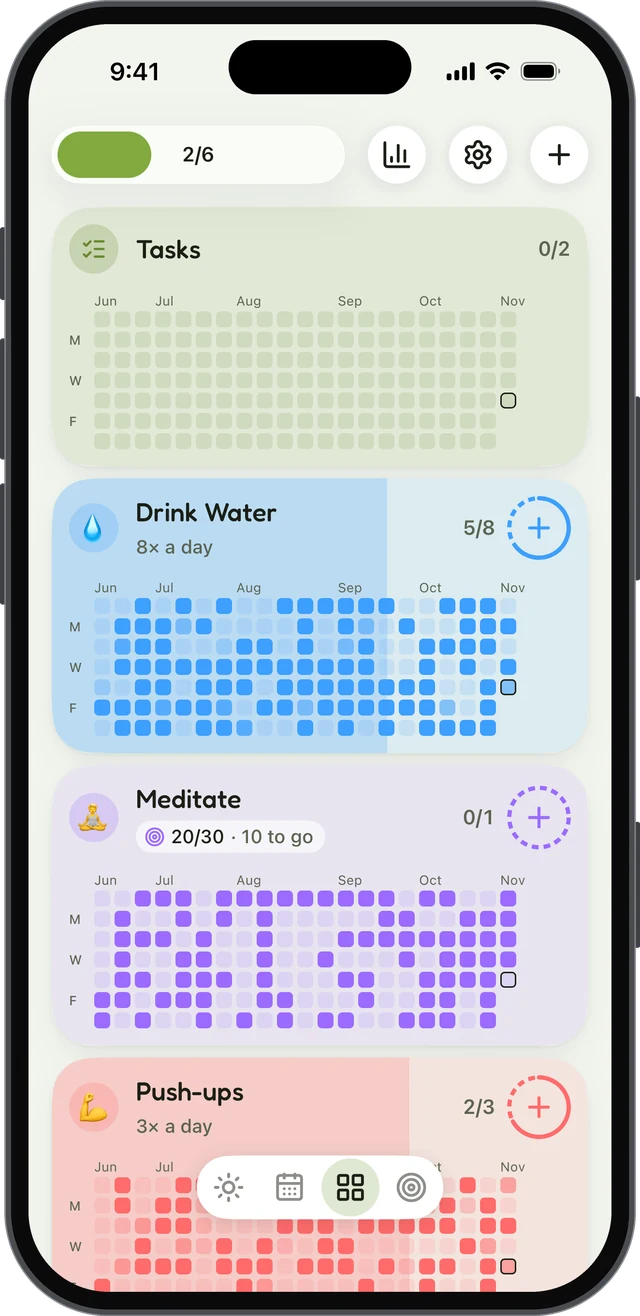
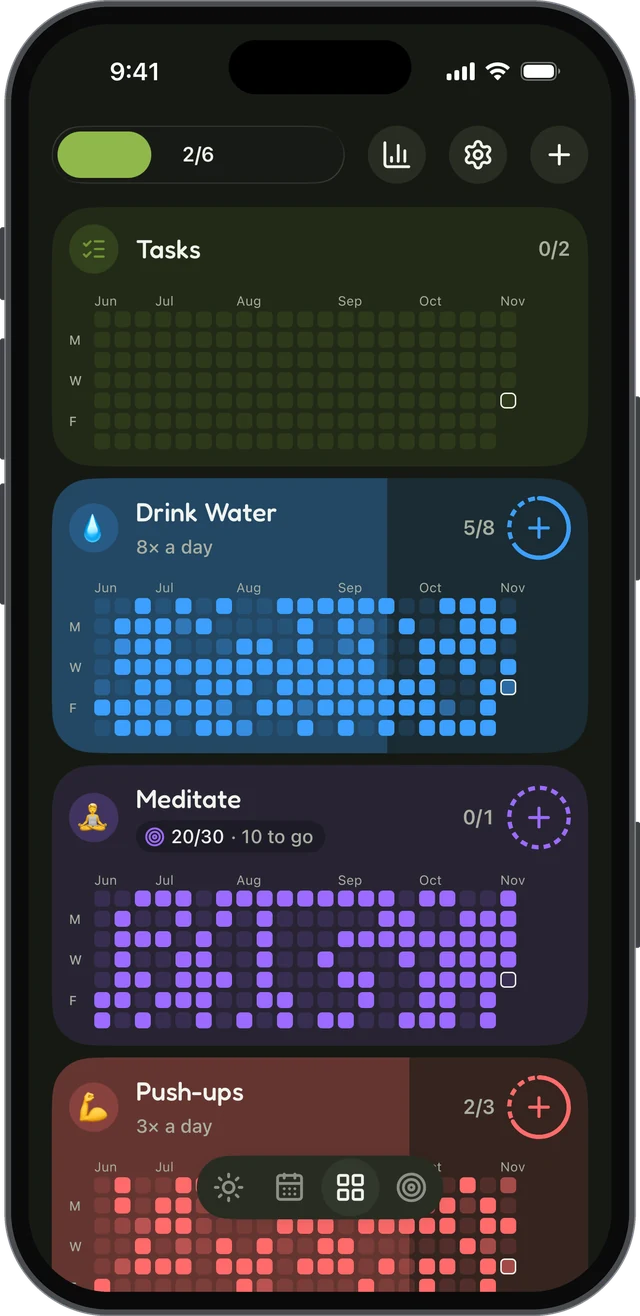
With Plus, you can export everything to a single file and import it on a new phone, including between iPhone and Android.
Accounts and sync are on our plans for the future, for people who want their habits on more than one device. Sync will be part of Plus. Both will be optional: you’ll be able to keep using habitual without an account, just as you can today.
The short version
A private habit tracker should need no account, keep your data on your phone, work offline, have no ads, let you export your data, and explain its privacy in plain language.
Once you’ve picked one, here are 60 habits to track to get you started.
Questions
Is there a habit tracker that doesn’t need an account?
Yes. Some habit trackers, including habitual, keep everything on your phone and need no account or sign-in at all. You open the app and add your first habit.
Will habitual have accounts or sync?
They’re planned for the future as optional features, for people who want their habits on more than one device, and sync will be part of Plus. Today there’s no account, and you’ll be able to keep using habitual without one.
Can a habit tracker work offline?
A tracker that stores your habits on your phone works fully offline. Trackers built around an account and a cloud service usually need a connection for at least some features.
How do I move my habits to a new phone without an account?
Look for an export and import feature. In habitual, Plus exports everything to a single file that you import on the new phone, and it works between iPhone and Android.
What should I check in a habit tracker’s privacy policy?
Check what leaves your phone, who receives it, and why: your habit data itself, analytics about how you use the app, crash reports, and anything shared with advertisers. A good policy says this plainly.
Keep reading
- Apps
Best Habit Tracker App for Android: 8 Options, Checked
The best habit tracker app for Android depends on what you need: free, no ads, no account, Wear OS or a game. Eight apps checked on their own pages. - Apps
Best Habitica Alternatives: 7 Habit Trackers, Checked
The best Habitica alternatives, whether you want to keep the game or drop it: seven habit trackers checked for platforms, pricing and accounts. - Guide
How to Stay Consistent: 8 Ways That Don’t Need Motivation
How to stay consistent when motivation fades: eight research-backed ways to keep a habit going, plan for missed days and count your progress.